

Quick Takeaways
- Server-based computing (SBC) runs applications and processes data centrally on servers, while end-user devices only display the results. The device itself does very little work.
- Users typically connect through thin clients – lightweight devices that need only enough power to send input and render a screen, not run software locally.
- SBC is the foundation behind remote desktop services, terminal services, and Virtual Desktop Infrastructure (VDI), which is really a specific implementation of the same server-based idea.
- Centralizing everything on the server means one update, one patch, and one security policy cover every connected device, instead of managing each machine individually.
- The tradeoff is a hard dependency on network quality. If the connection to the server drops or slows, every connected user feels it at once.
What is server-based computing?
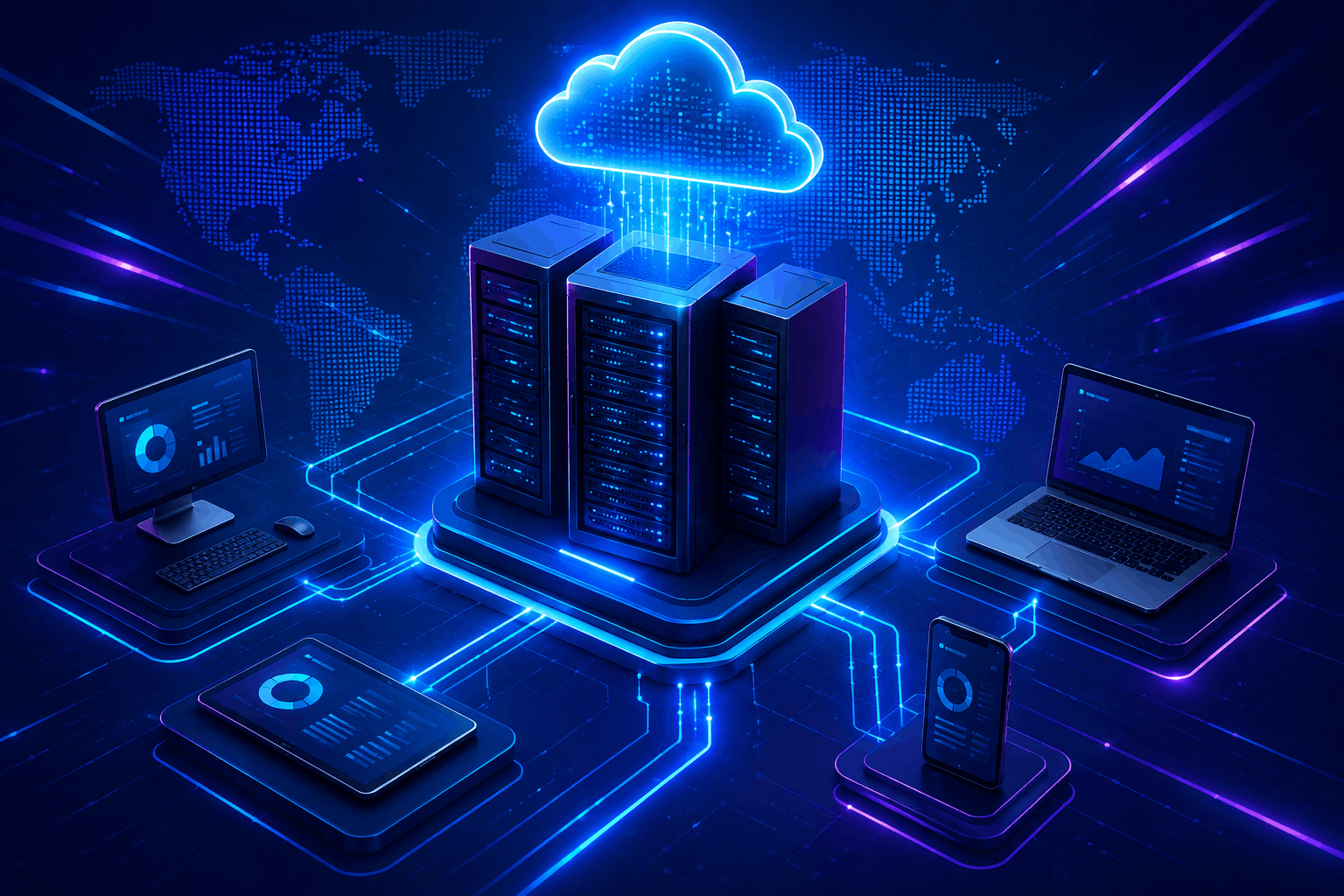
Server-based computing is a model where applications, data processing, and storage all live on a central server rather than on the device in front of the user. Gartner defines SBC as remote, shared-server execution of applications or desktops delivered to a range of device types, using dedicated agents or a browser. The user’s device, often a thin client, is mostly a window into that server: it sends keystrokes and mouse input, and receives back a rendered screen.
This is the opposite of traditional local computing, where your laptop runs the software, stores the files, and does all the processing itself. In SBC, that laptop could be replaced with a much cheaper, much less powerful device and the user’s experience wouldn’t really change, because the heavy lifting is happening somewhere else entirely.
How server-based computing actually works
The mechanics are simpler than the name suggests.
- The client connects. A thin client, terminal, or even a regular PC running client software connects to a central server over a LAN or WAN.
- The server does the work. Applications run entirely on the server. When the user opens a program, clicks a button, or types into a form, that action is sent to the server, processed there, and the result is sent back as a screen update.
- The user sees a live rendering. From the user’s side, everything feels local and responsive, even though the actual computing never touches their device.
- Administrators manage centrally. Software installs, patches, and security policies get applied once, on the server, and every connected session inherits the update immediately.
This is fundamentally the same architecture behind terminal services and remote desktop services, technologies you’ve likely already used without necessarily calling them server-based computing. Microsoft’s own documentation on Remote Desktop Services describes this exact model: programs run on the server, and each client session is presented with a live view of the output.
Server-based computing vs. cloud computing vs. VDI
These three terms get used almost interchangeably, and that’s where most of the confusion comes from. They’re related but distinct.
| Model | What’s centralized | Typical use case |
| Server-based computing | Application processing and data | Remote desktop and terminal services, legacy enterprise apps |
| Cloud computing | Infrastructure delivered as a service over the internet | Scalable storage, SaaS platforms, elastic compute |
| VDI (Virtual Desktop Infrastructure) | A full virtual desktop, streamed from a server | Standardized desktop environments, regulated industries |
VDI is best understood as a specific flavor of server-based computing: instead of just streaming an application, it streams an entire desktop environment. Cloud computing is a broader concept still – it describes how the underlying infrastructure is delivered (over the internet, by a third-party provider) rather than what’s centralized. You can run server-based computing on-premises, in the cloud, or as a hybrid of both.
Thin clients: the other half of the picture
Server-based computing only works as well as it does because of the device on the other end: the thin client.
A thin client is a lightweight endpoint with minimal local storage, often as little as a few gigabytes, since almost nothing needs to live on the device itself. It has no need for a high-end processor, graphics card, or large hard drive, because none of that work happens locally. This keeps individual device costs low and lets IT teams extend hardware lifespans well beyond what’s realistic for a standard PC, since upgrading the central server improves performance for every connected thin client at once, without touching the endpoints themselves.
The security angle is just as significant. Fortinet notes that centralizing processing on the server means malicious code has essentially nowhere useful to install itself on a thin client, since local USB ports can be locked down and a single hardened server effectively protects every session connected to it.
Benefits of server-based computing
Centralized management. One place to patch, one place to update, one place to enforce policy. IT teams don’t chase down software versions across hundreds of individual machines.
Lower hardware costs. Thin clients cost less to buy and last longer, since the server absorbs the processing demands that would otherwise force frequent endpoint upgrades.
Stronger, simpler security. Data doesn’t sit on local devices, browsing and USB access can be restricted at the client, and if an endpoint is lost or stolen, there’s little to nothing of value stored on it.
Consistent performance across devices. Because the server does the actual computing, an older or lower-spec thin client can run demanding applications just as smoothly as a modern one, since neither is really running the application at all.
Drawbacks worth knowing before adopting it
Total dependency on the network. If the connection between client and server degrades or drops, the user’s session degrades or drops with it. This isn’t a minor inconvenience the way a slow local app might be. It’s often a hard stop.
The server becomes a single point of load. A server has to be provisioned to handle every connected session simultaneously without bottlenecking. Underestimate concurrent usage and every user feels the slowdown at once, not just one unlucky person.
Not ideal for graphics-intensive work. Applications like CAD software or heavy video editing push server-based setups harder than office productivity tools do, and can require substantially more backend investment, including GPU acceleration, to perform acceptably.
Where I’d push back slightly on the common framing: SBC isn’t inherently “better” or “worse” than local computing, it’s a tradeoff of where complexity lives. Local computing distributes complexity and cost across every device. Server-based computing concentrates it in one place, which is easier to manage but riskier if that one place has a bad day.
Frequently asked questions
Is server-based computing the same as cloud computing?
No. Server-based computing describes where processing happens (centrally, on a server). Cloud computing describes how infrastructure is delivered (over the internet, typically by a third-party provider). SBC can run in the cloud, on-premises, or both.
What’s the difference between server-based computing and VDI?
VDI is a specific type of server-based computing that streams an entire virtual desktop to the user. Server-based computing more broadly can also mean streaming individual applications without a full desktop environment.
Do I need special hardware to use server-based computing?
On the user side, no – that’s the point. A thin client with minimal specs is usually enough, since the server handles the actual processing.
Is server-based computing secure?
Generally, yes, often more secure than distributed local computing, because data stays centralized, endpoints have little to compromise, and security policy is enforced in one place rather than across every device.
What happens if the network connection fails in a server-based setup?
The user’s session is directly affected, since almost nothing runs locally. This is the single biggest tradeoff of the model and the reason network reliability needs to be treated as a core requirement, not an afterthought.
Server-based computing sits underneath a lot of the enterprise IT tooling teams already rely on day to day. If your organization is managing devices at scale, it’s worth pairing this with how you handle device enrollment and management through Intune Autopilot, and if Outlook is part of your centralized environment, setting up rules or shared mailboxes are two of the more common admin tasks that come up once everything’s centralized.